Parent & Teacher Craft Guide
6 Creative Learning & Craft Ideas for Roblox Coloring Pages
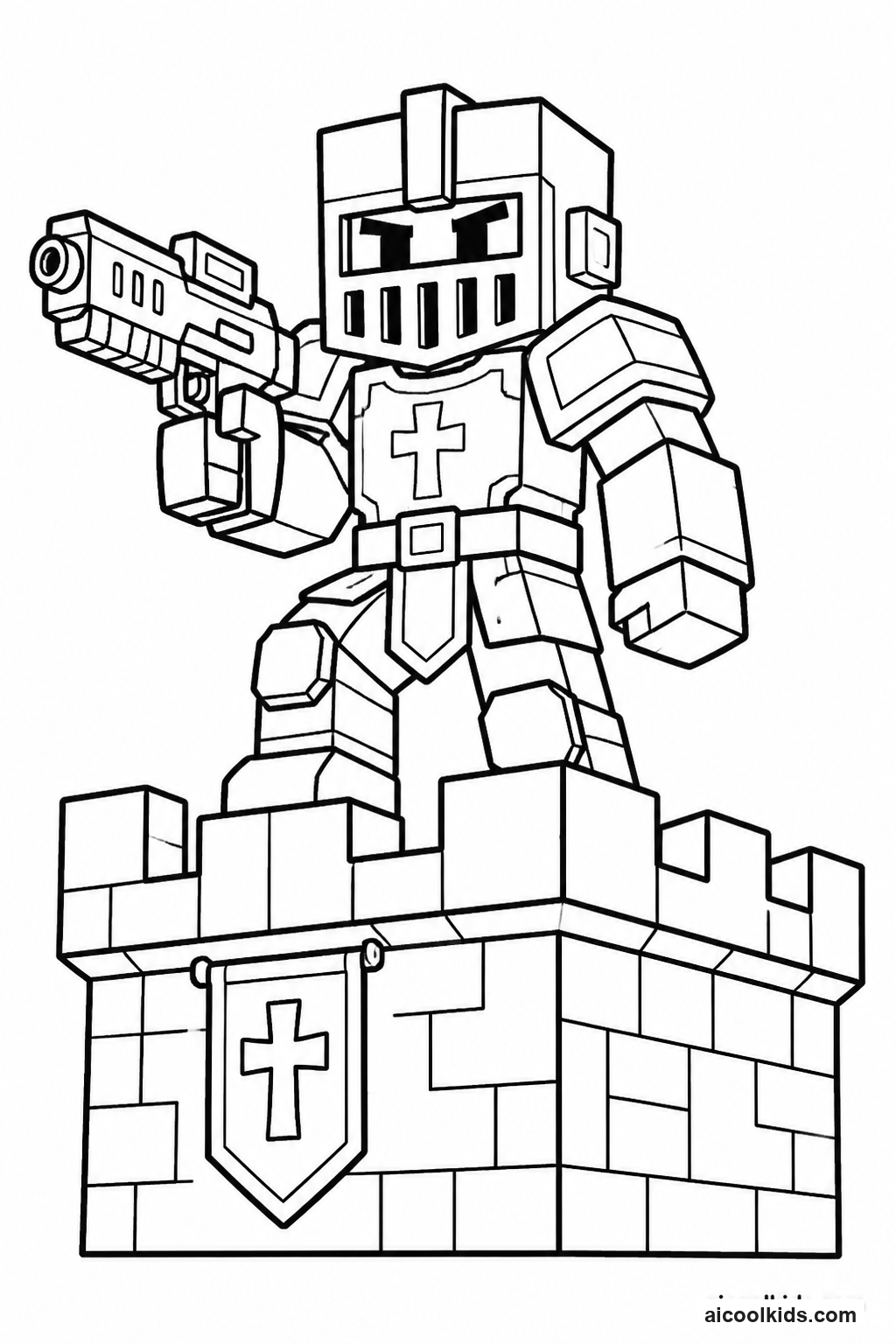
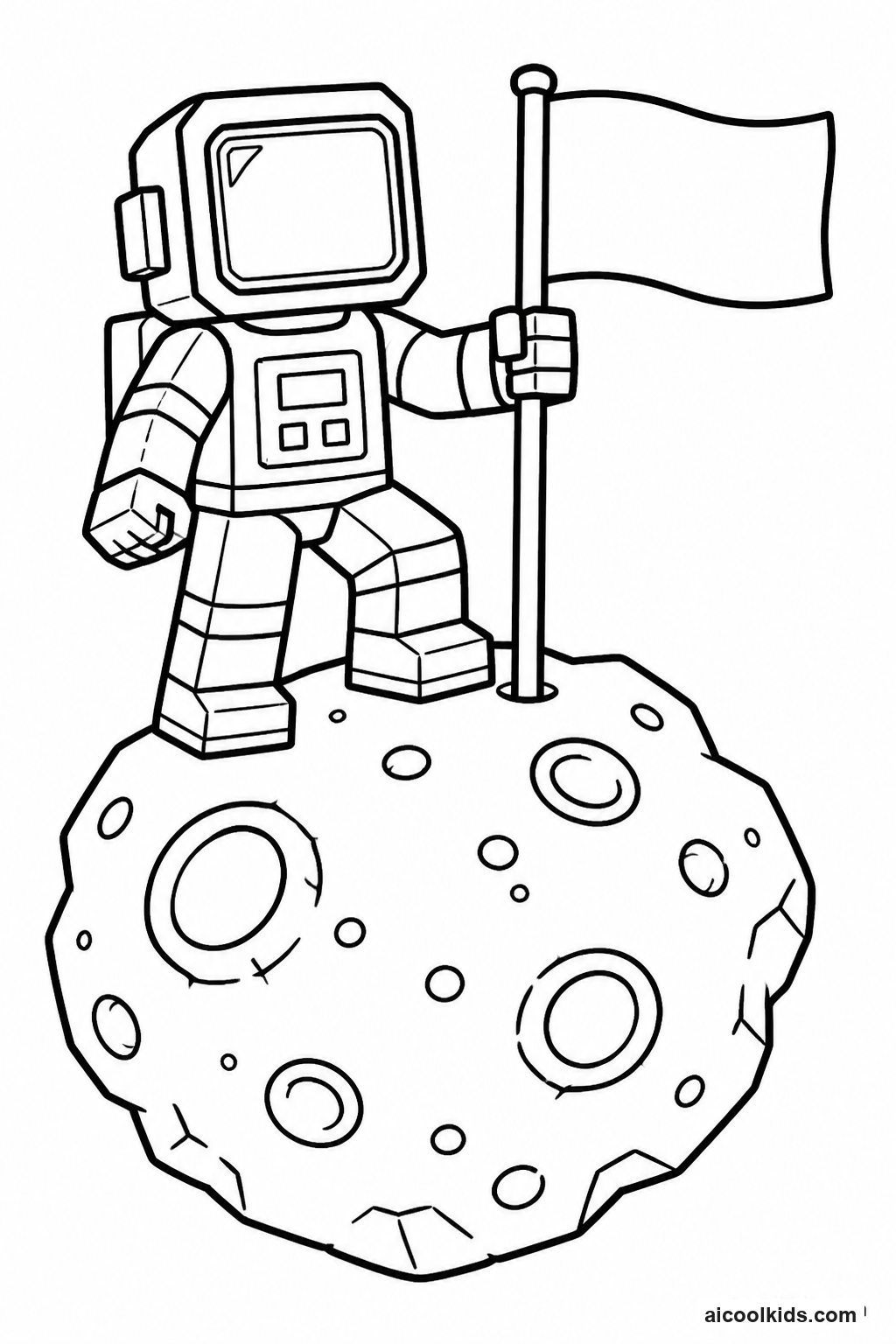
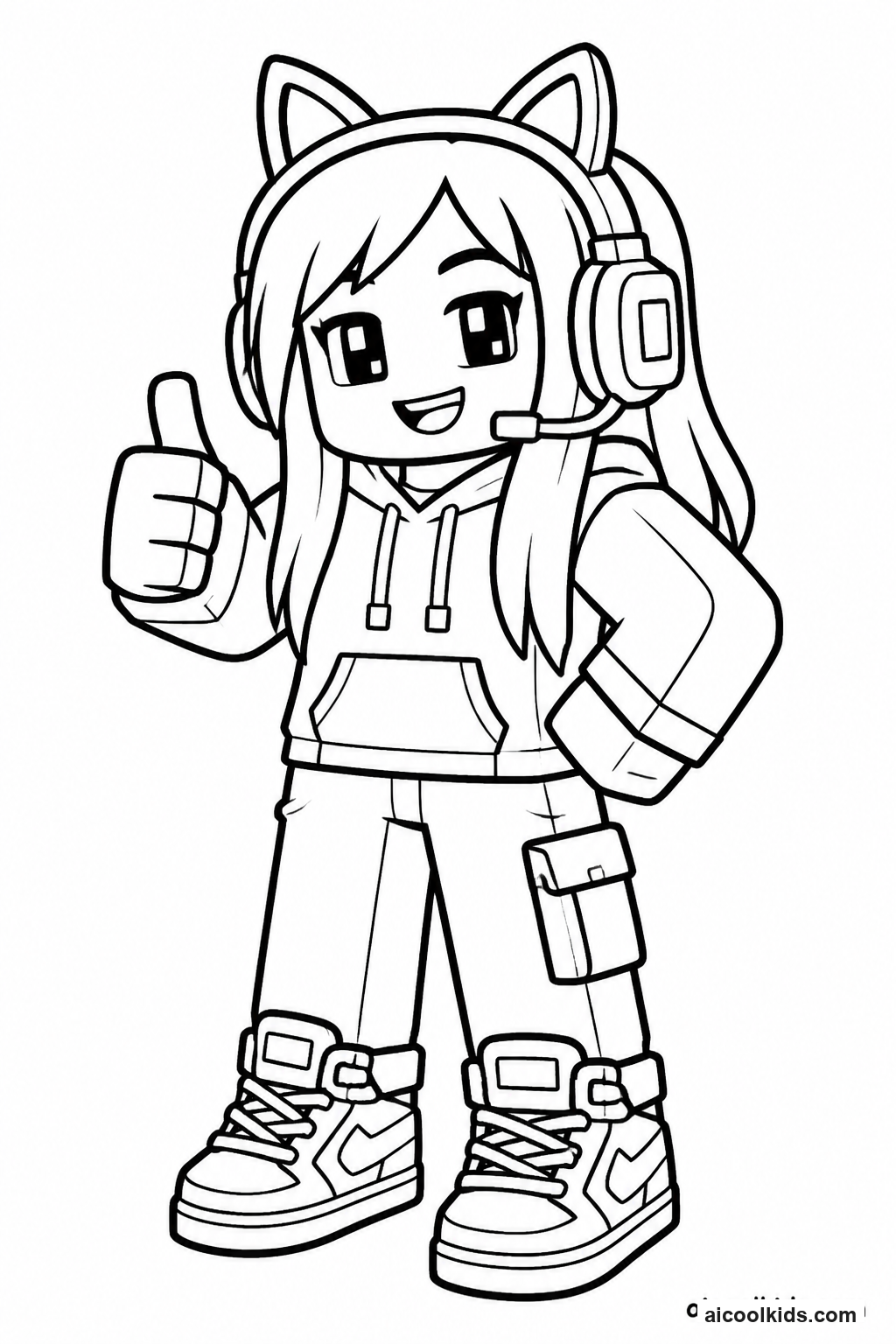
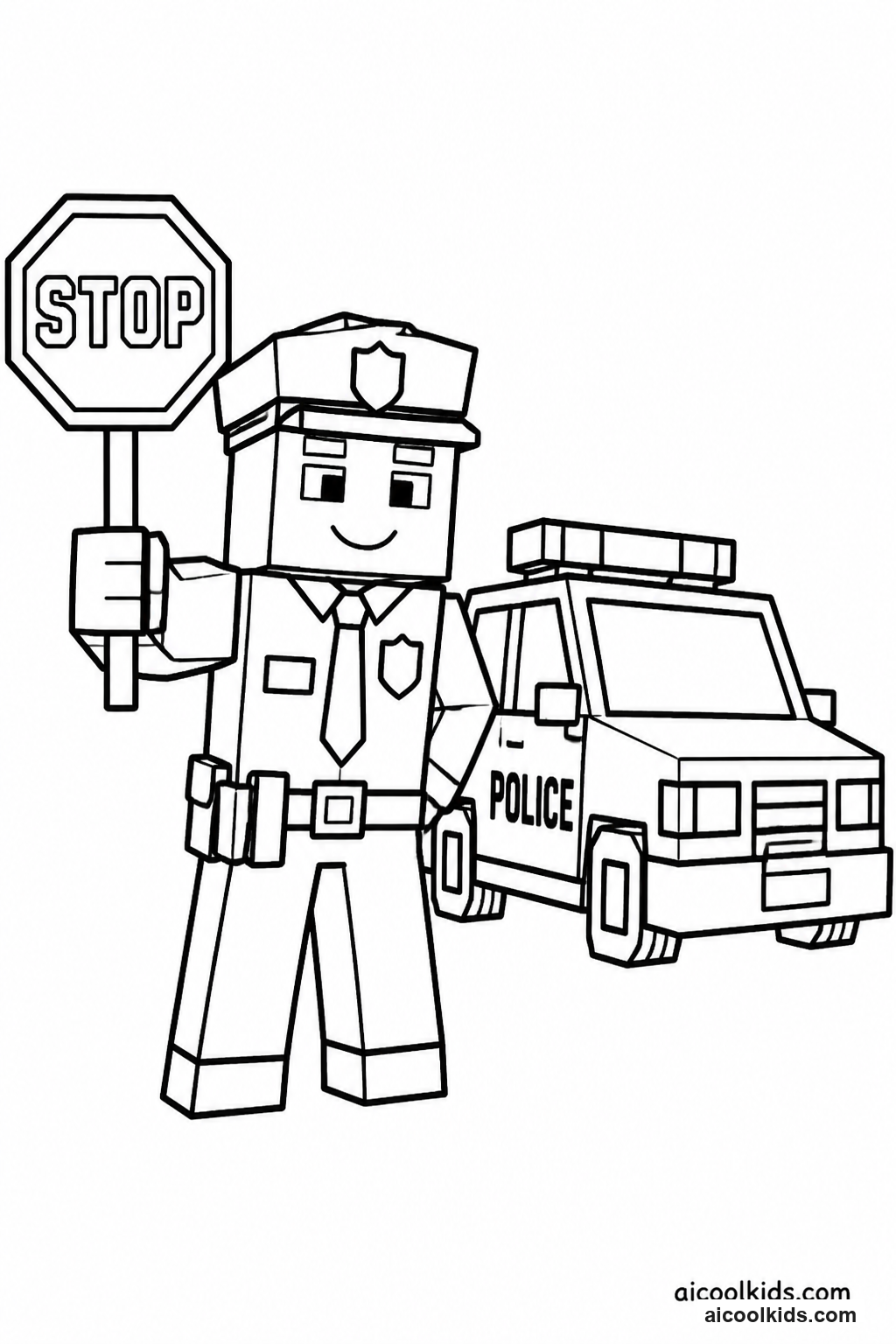
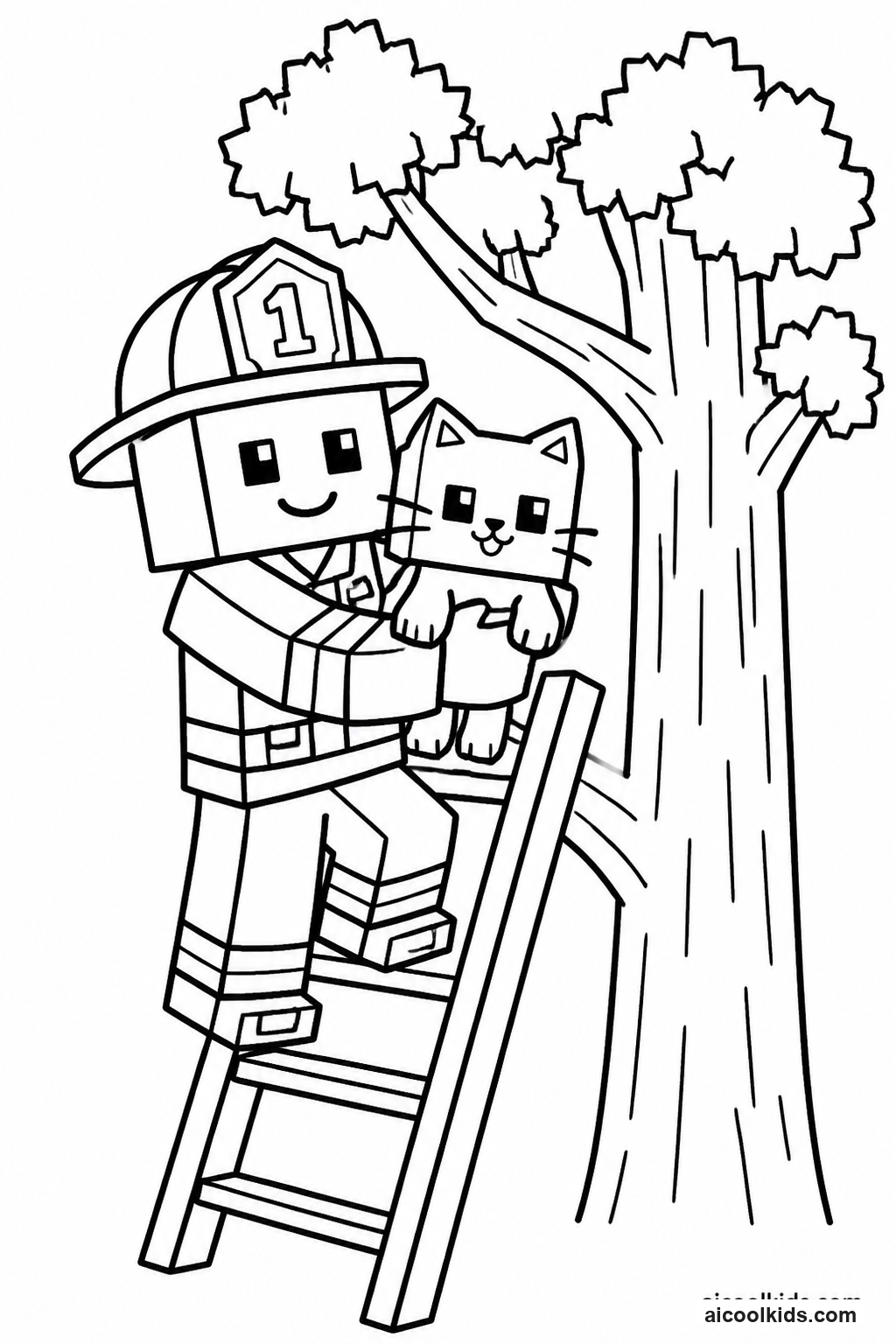
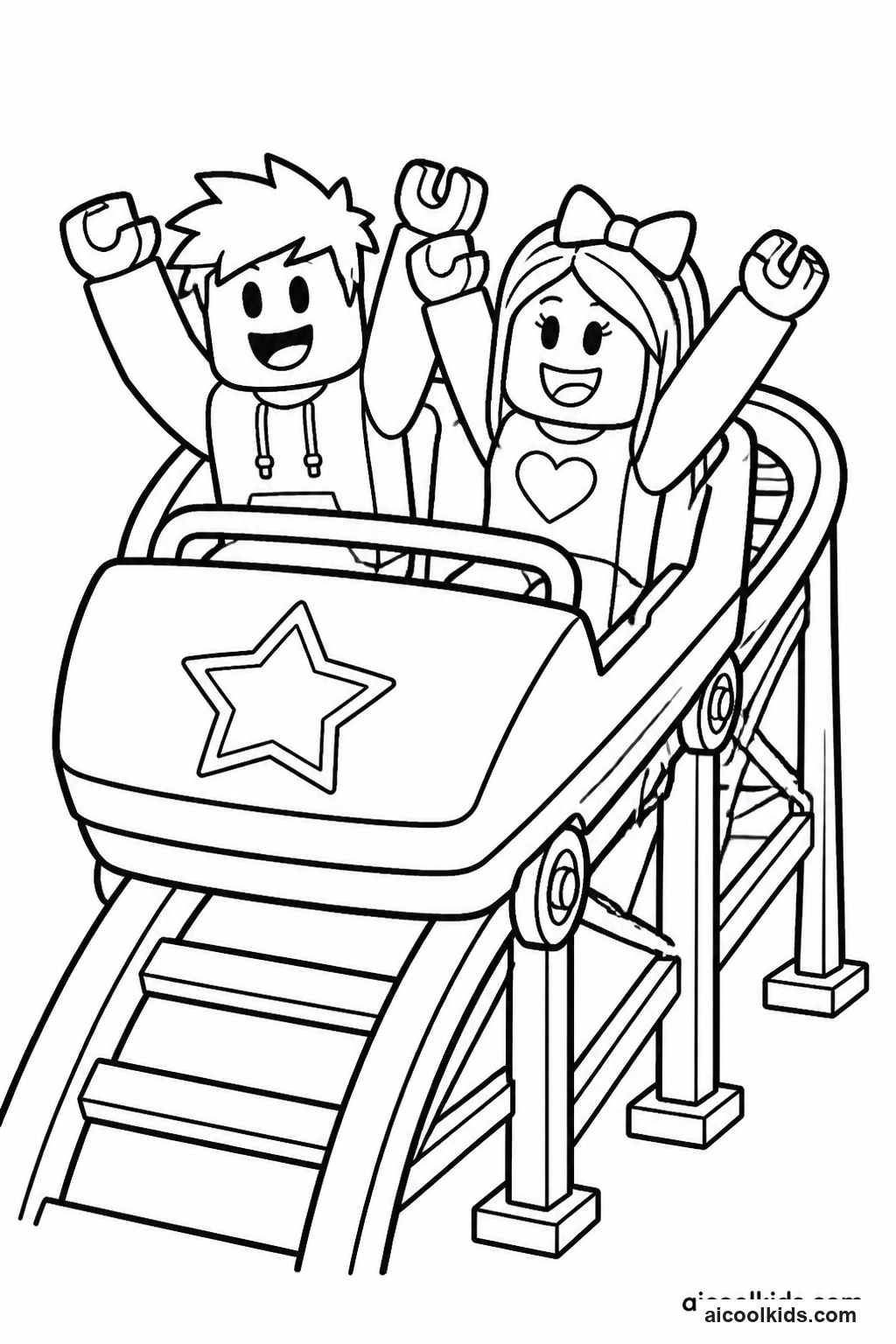
Once the pages are colored, you can turn them into simple projects for home or the classroom. Here are 6 easy craft ideas using supplies you probably already have, like scissors, glue sticks, and construction paper.
1
Avatar Scene Stand Up Card
Materials Needed:
Printed avatar coloring pageCardstockCrayons or colored pencilsChild safe scissorsGlue stickPencilRulerExtra paper for a background
Step by Step Guide:
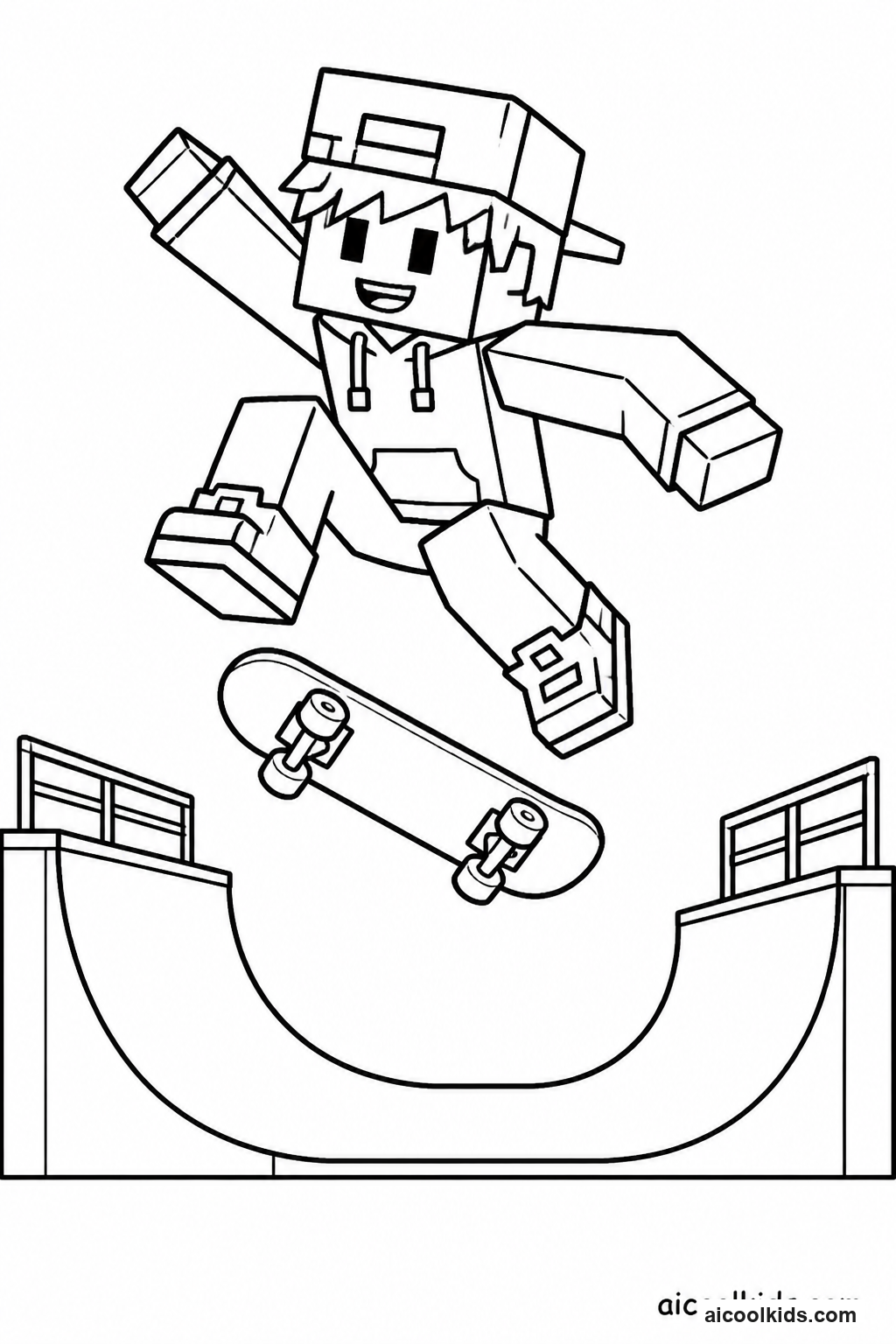
- Color the avatar before cutting it out. Choose a main outfit color, a contrasting accessory color, and one or two small details. Press gently with crayons or pencils near the outline so the character remains easy to see after cutting.
- Ask an adult to help select a sturdy piece of cardstock. Place the colored page over the cardstock and glue it down with an even layer of glue stick, smoothing from the center toward the edges to reduce wrinkles. Let the sheet dry flat.
- Cut around the avatar slowly, leaving a narrow border of white paper outside the printed outline. For younger children, an adult can cut around hands, hair, or accessories that have small corners. Keep all scraps on the work surface until cleanup.
- Cut a strip of cardstock about two inches wide and fold it into a triangle shaped support. Glue one end of the support to the back of the avatar and test whether it stands. Adjust the fold if the figure tips forward or backward.
- Draw a simple background on extra paper, such as a room, park, or game lobby, then color it and place the standing avatar in front. Invite the child to tell who the character is meeting and what the character plans to do next.
2
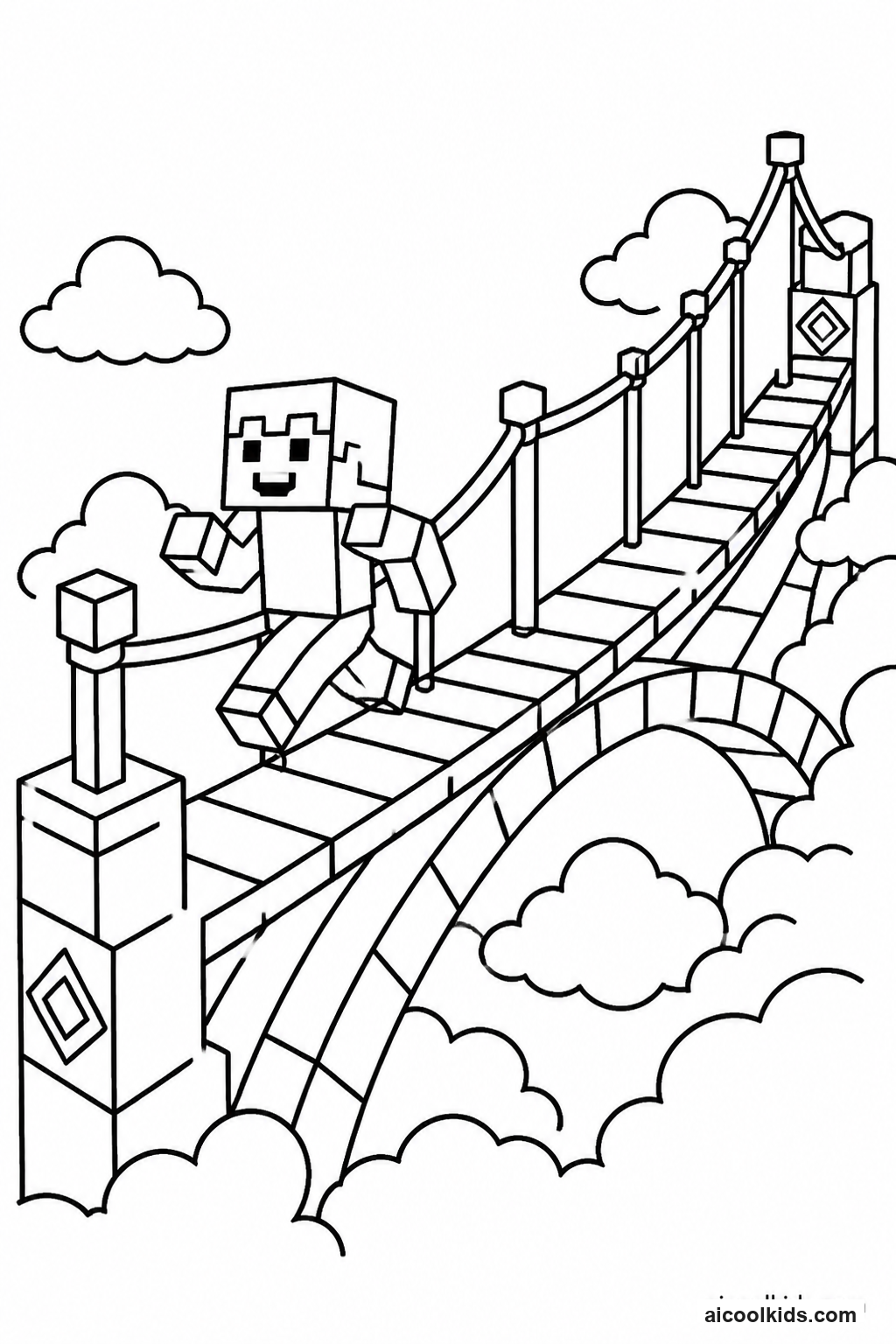
Build an Obby Path and Moveable Game Board
Materials Needed:
Printed obby or avatar coloring pageCardstock or a flattened cereal boxColored pencils or markersRulerPencilChild safe scissorsGlue stickOne small paper game token
Step by Step Guide:
- Color the printed obby page, choosing a distinct color for platforms, hazards, and safe spaces. Cut out one small avatar or make a simple paper token from a scrap. Leave a white border around the token so it is easier to pick up.
- Place cardstock or clean flattened cardboard on the table. Use a ruler and pencil to draw a winding path from a box labeled Start to a box labeled Finish. Make the path wide enough for the token to rest without covering nearby spaces.
- Add at least three obstacles, such as a gap, a moving platform, or a pretend lava zone. Draw a clear symbol for each obstacle and write a short instruction beside it, such as move back one space or pause for a turn.
- Glue the colored obby image beside the route or use it as a decorative title panel. Press the page from its center outward and wait until the glue is dry before moving the board. If the cardboard bends, place a book on top for a few minutes.
- Test the game by moving the token from Start to Finish and following each instruction. Change any rule that is confusing or too difficult. Ask a partner to play and notice whether the board gives everyone a fair chance to finish.
3
Make a Paper Pet Badge and Adoption Card
Materials Needed:
Printed pet or avatar coloring pageCardstockWashable markers or colored pencilsChild safe scissorsGlue stickSmall paper scrapsPencilOptional yarn for display
Step by Step Guide:
- Color the pet with a planned palette. Choose one color for the body, one for a special feature such as ears or spots, and a third for a collar or accessory. Add small lines or dots carefully so the printed details remain visible.
- Glue the colored page onto cardstock and let it dry. Draw a large circle or shield shape around the pet, leaving enough space for a border. Cut along the shape slowly, turning the paper rather than twisting the scissors.
- Use paper scraps to add a name banner, a small star, or a simple habitat symbol. Glue each decoration flat to the badge. Write the pet's name in large, clear letters so it can be read when the badge is displayed.
- On a separate small card, write three details: the pet's name, a favorite activity, and one way a player can care for it. Younger children can dictate their ideas to an adult, then copy a short phrase or draw a matching picture.
- Attach a short loop of yarn to the back with tape if the badge will hang from a hook, or leave it flat for a desk display. Place the adoption card beside it and invite the child to introduce the pet using the written details.
4
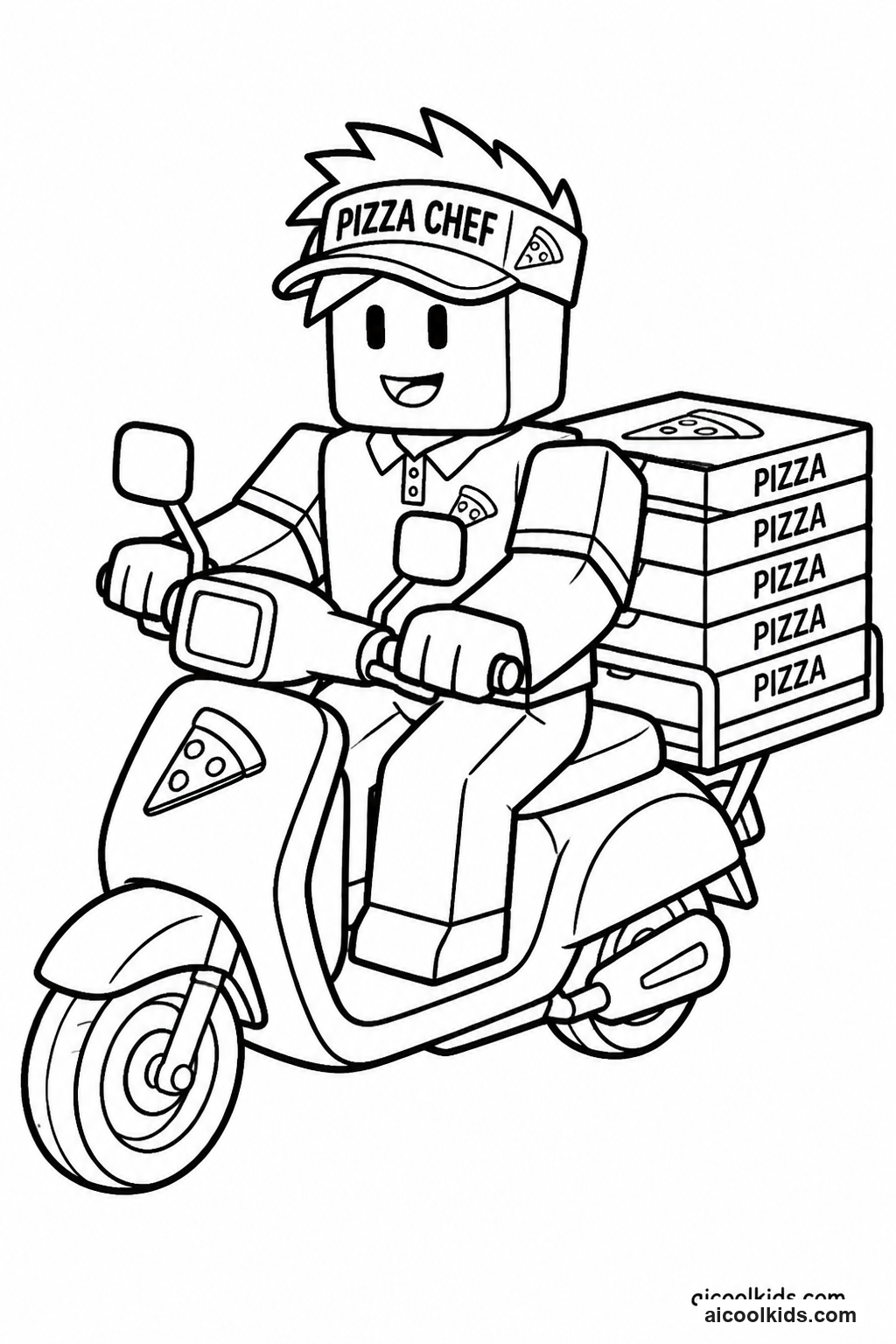
Design a Pizza Delivery Map
Materials Needed:
Printed pizza delivery or avatar coloring pageLarge sheet of paperCrayons, colored pencils, or washable markersPencilRulerGlue stickChild safe scissorsSticky notes or small paper squares
Step by Step Guide:
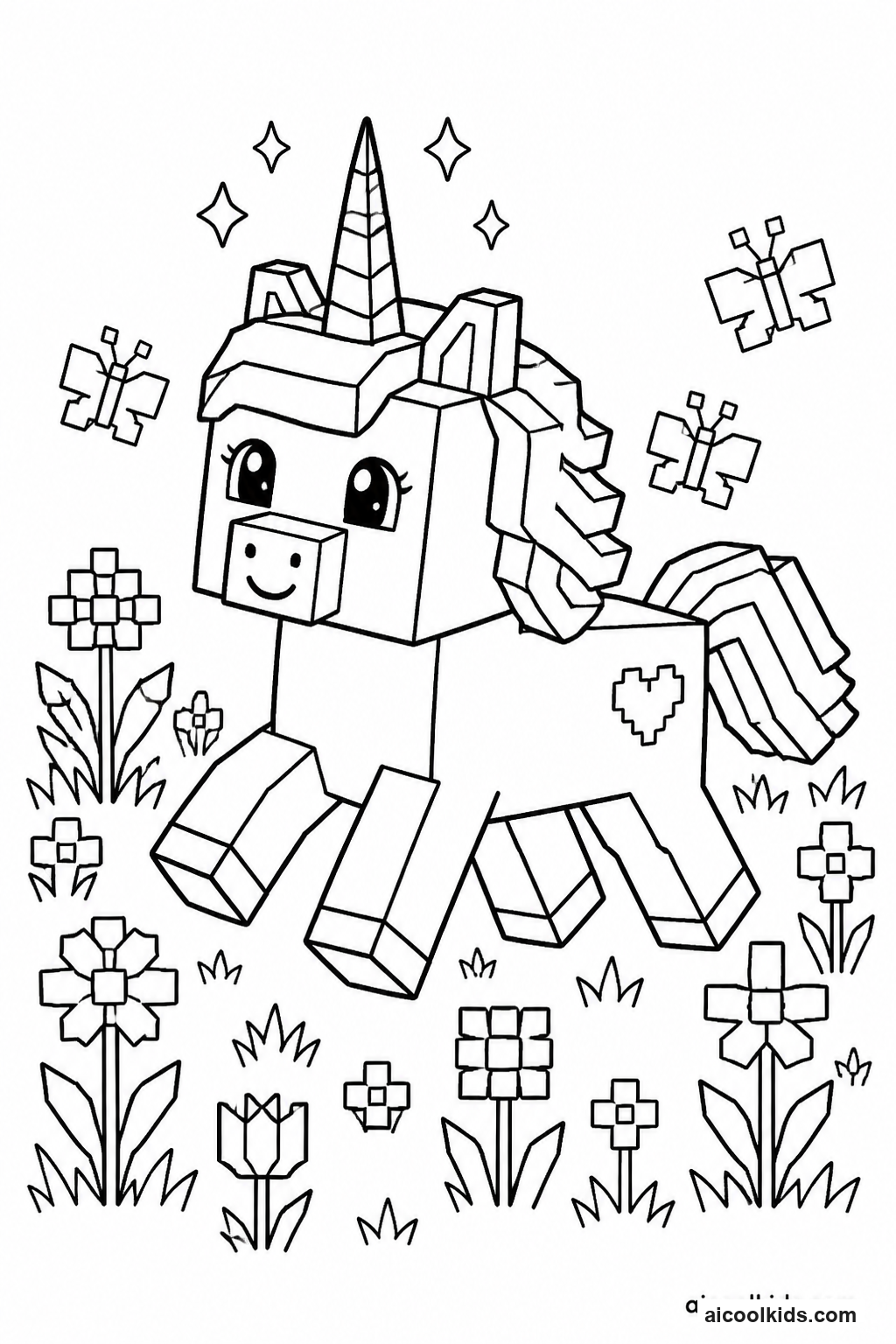
- Color the pizza delivery page, including the character, vehicle, or pizza details. Cut around the main figure if the image has a clear outline, or keep the whole page intact and use it as the map's title picture.
- On a large sheet of paper, draw a simple neighborhood with a shop, a park, two homes, and one extra landmark such as a library or bridge. Use a ruler for straight streets, but allow curves where a road turns around a building.
- Make a map key in one corner with small symbols for the pizza shop, homes, and landmarks. Add short labels beside each place. If writing is difficult, draw each symbol and ask an adult to write the word beside it.
- Use a sticky note or paper square as the delivery marker. Draw a route from the shop to one home, then add a second route with a different color. Mark a bridge, closed road, or rest stop that changes how the character travels.
- Tell or write a short delivery story that follows the route in order. Include where the character starts, which landmark appears next, and where the pizza arrives. Test the directions by tracing the route with a finger and checking that each stop is easy to find.
5
Create a Layered Adventure World Collage
Materials Needed:
Printed adventure world coloring pageTwo or three sheets of construction paperCrayons or colored pencilsChild safe scissorsGlue stickSmall paper scrapsPencilOptional cotton balls
Step by Step Guide:
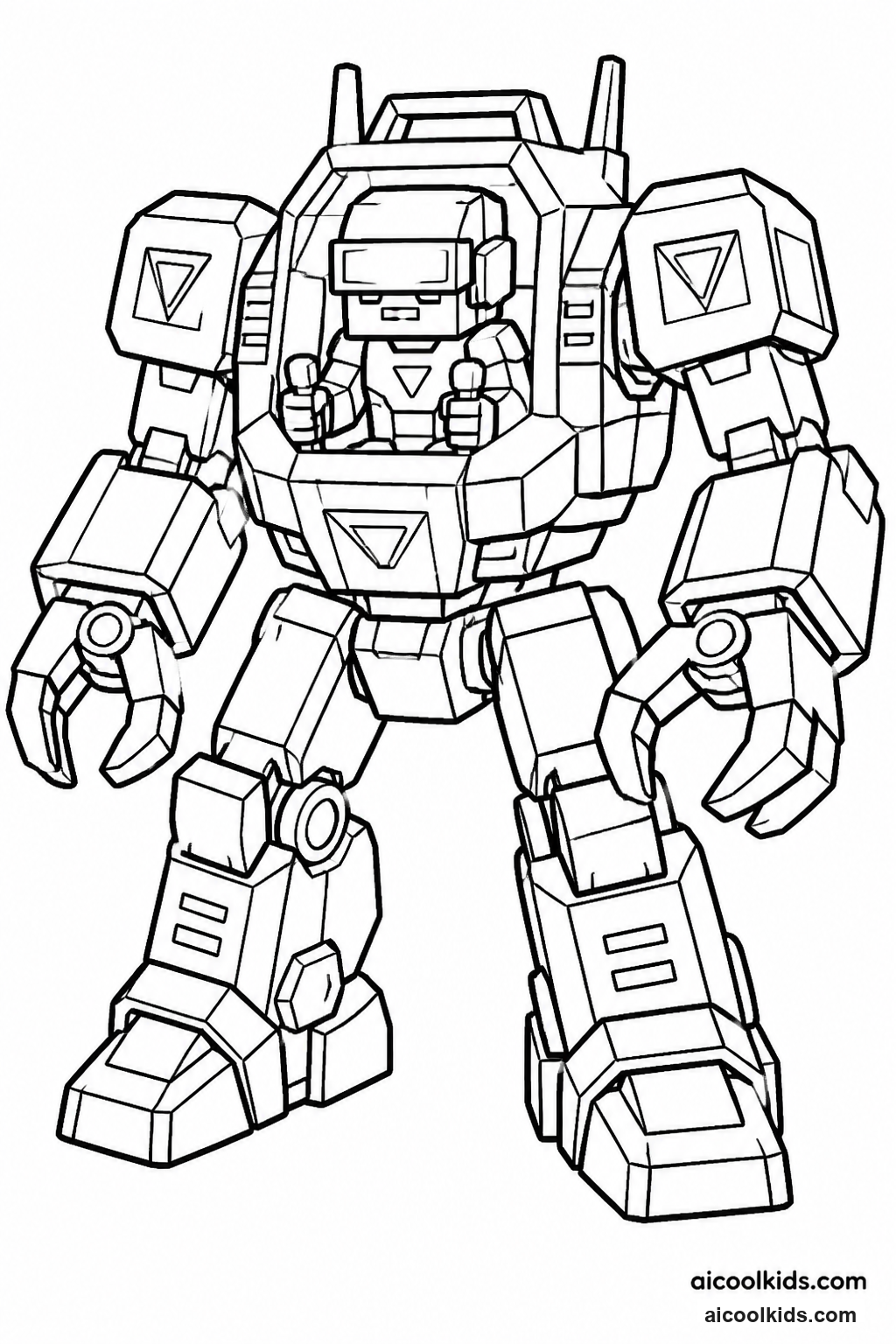
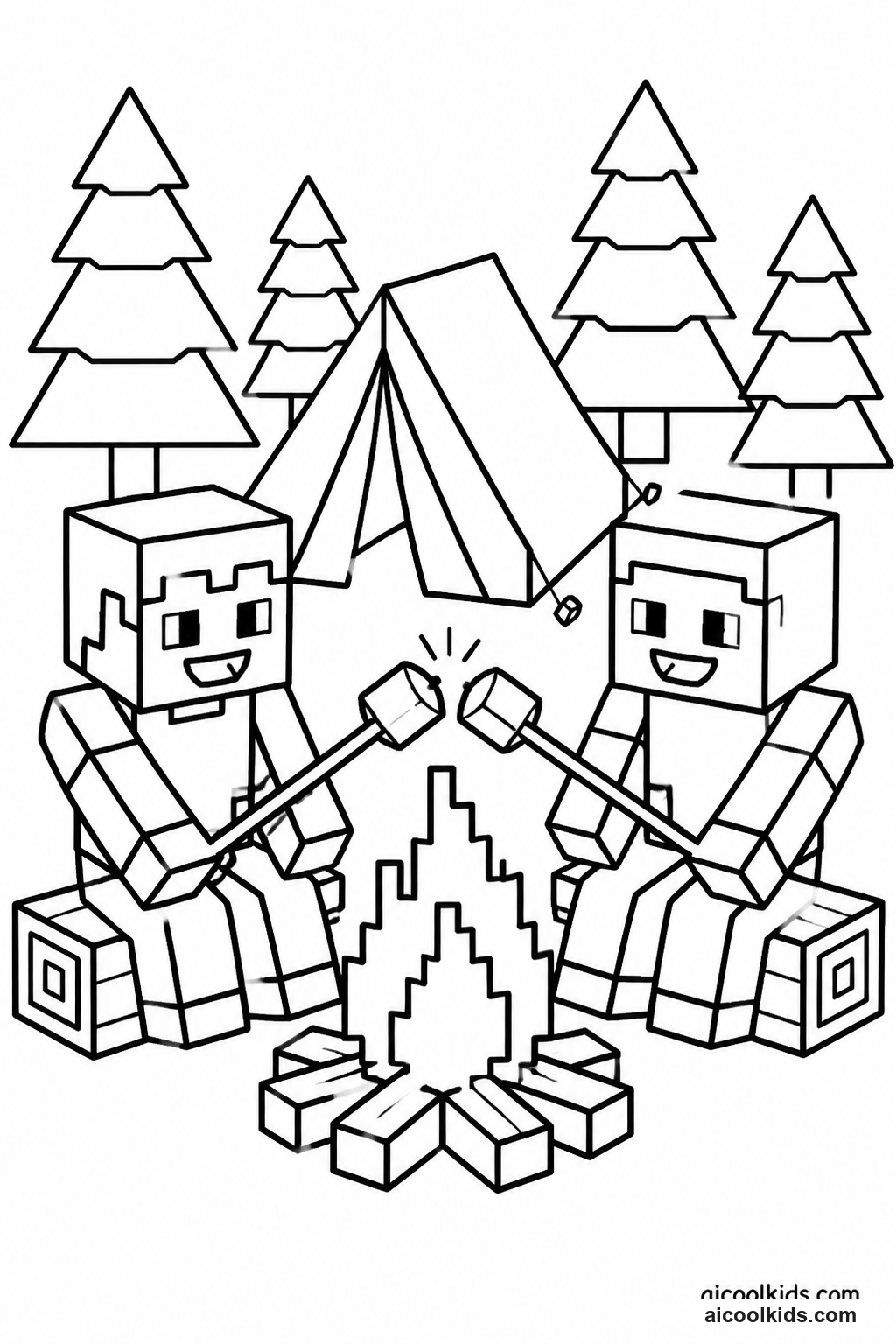
- Look over the printable page and decide which character or object should appear closest to the viewer. Color that part with clear, strong colors. Choose a different palette for the distant background so the main figure stands out.
- Cut a large sheet of construction paper for the base. Tear or cut a second color into a band for the ground, water, or a path. Glue the band near the bottom edge, smoothing it flat and leaving room above for the sky or distant landscape.
- Cut simple shapes for background features, such as a mountain, cloud, tree, or castle tower. Arrange them near the top or middle of the base before gluing. Move the shapes around until the scene has open space and does not cover the printed character.
- Glue the colored character onto the foreground layer. Add small paper details such as stepping stones, flowers, signs, or a treasure chest. If using cotton balls as clouds, use only a small amount of glue and keep them away from the edges.
- Give the world a name and add a small title label. Tell a short adventure using three parts: how the character enters the place, what challenge appears, and how the character reaches a safe or exciting ending. Share the collage with a partner.
6
Make a Pixel Color Pattern Mosaic
Materials Needed:
Printed blocky avatar or pet coloring pageGraph paperColored pencils or crayonsPencilRulerGlue stickCardstockOptional small square paper pieces
Step by Step Guide:
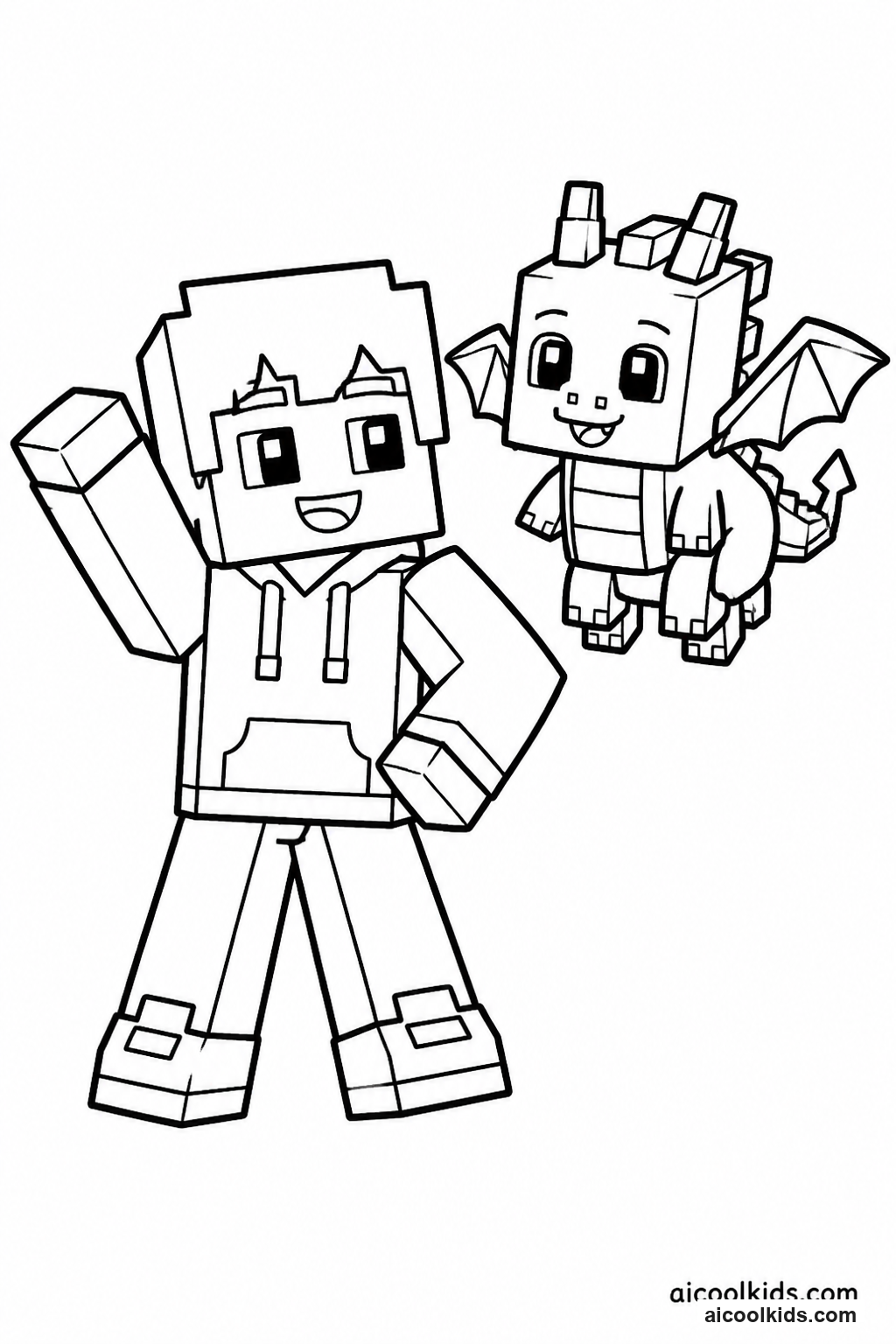
- Choose a small part of the printable, such as a face, pet, shirt, or accessory. Count the largest simple shapes and decide which colors will repeat. Make a quick color key on scrap paper so the design is easier to follow.
- Draw a grid of equal squares on graph paper or use a printed grid. Keep the design small enough to finish in one sitting. Copy the main outline one square at a time, checking where the shape begins and ends before adding color.
- Color each square with a steady pressure and follow the key. Use one color for the background and one or two colors for the main design. If a square contains a small detail, color that square lightly first, then add the detail with a sharp pencil.
- For a raised paper version, cut small squares from colored paper and arrange them on cardstock before gluing. Leave a narrow gap between pieces so the grid remains visible. Glue a few pieces at a time and press them flat with a clean scrap sheet.
- Compare the mosaic with the original coloring page. Point out one part that matches and one part that changed. Give the pattern a name, then challenge a partner to describe the color key or find a repeated shape.